

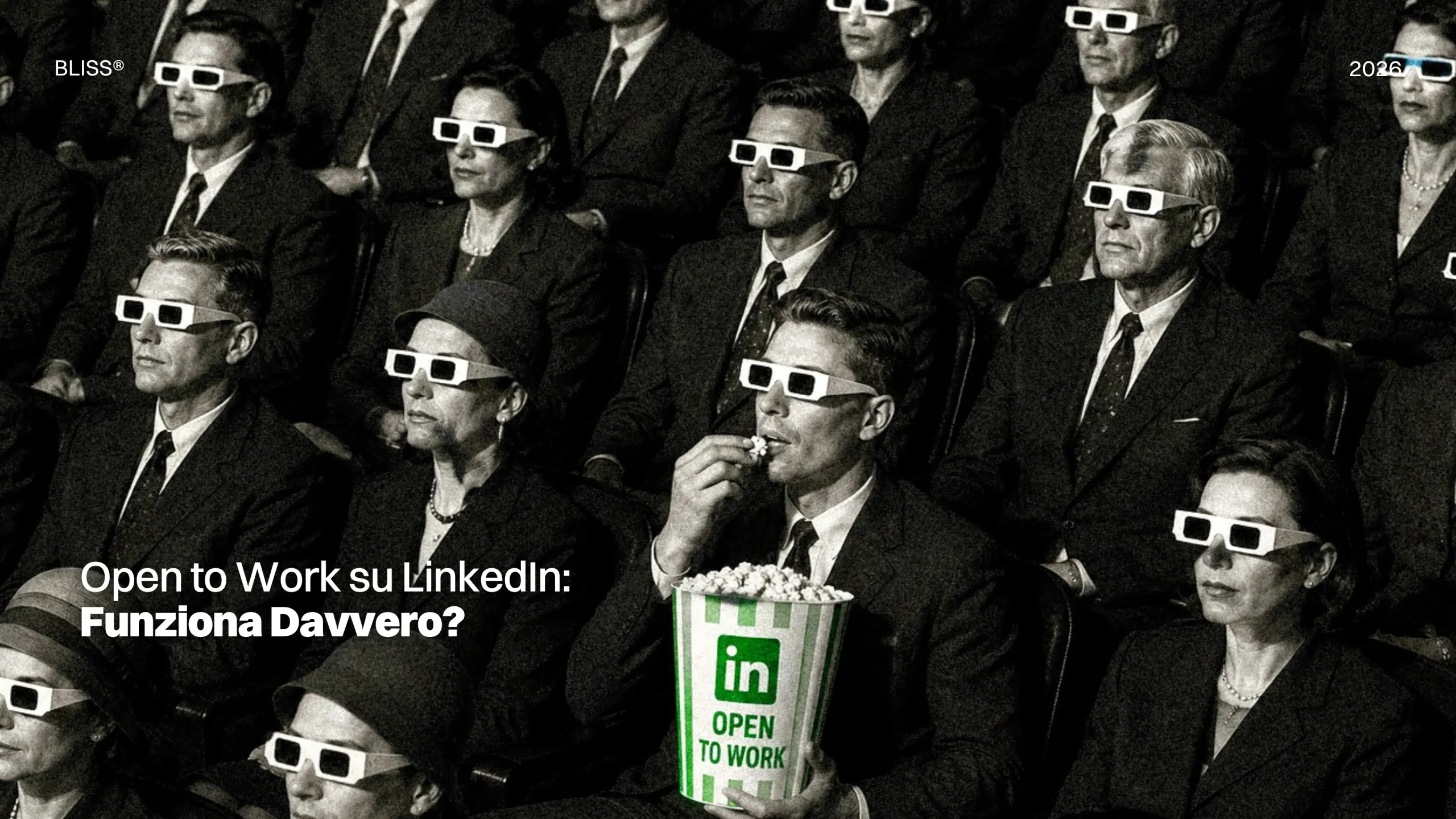
On LinkedIn, being available and coming across as interesting are two very, very different things.
Switching on Open to Work can help a profile appear in recruiter searches and generate new opportunities through your network, but be careful: it does not fix a confusing headline, poorly described experience or an overly generic search.
The feature opens a door, that much is true, but it is the rest of the profile that has to explain why anyone should walk through it.
Not to mention that today, more than ever, the availability entered on LinkedIn is also read by the platform’s artificial intelligence systems to match candidates with positions and help recruiters identify profiles that fit their searches.
The question, then, is how to use Open to Work without giving it a task it cannot perform: defining your professional value.
Let’s explore it together.
Open to Work is more than just a frame
LinkedIn lets you specify the roles you are looking for, locations, preferred working arrangement, start date and employment type.
This information can be managed through three levels of visibility:
- all LinkedIn members, with the addition of the green frame;
- recruiters only, through LinkedIn Recruiter;
- visible only to the user, to personalise the jobs suggested by the platform.
The frame, then, is merely the public version of the feature.
Those who prefer to keep their search confidential can signal their availability to recruiters without showing it to their entire network. Those not yet ready to declare themselves available can still enter preferences that LinkedIn uses to improve its job recommendations.
The choice is not simply between “frame” and “no frame”: it concerns the audience to whom you want to communicate your search.
What the Recruiter Sees
When availability is shared with LinkedIn Recruiter, the recruiter can see that the person is open to new opportunities and review the preferences they have entered.
These may include:
- roles sought;
- availability for full-time or contract positions;
- working arrangement;
- location;
- the date on which the feature was switched on.
LinkedIn Recruiter also allows Open to Work to be used as a filter, bringing candidates who have declared their availability to the surface of the results.
This does not mean that recruiters automatically see every profile that has turned on the feature. Rather, Open to Work is one of the signals that can feed into the search. Availability can put the profile in front of a recruiter, but the content must persuade them to stop.
What the data say
In 2024 LinkedIn analysed the behaviour of candidates who had turned on Open to Work in the previous three months.
According to data published by the platform, these profiles were 1.8 times more likely to accept an InMail message from a recruiter and 86% more likely to apply after viewing a job posting.
Even so, only 17% of searches carried out through LinkedIn Recruiter in the period analysed used the Open to Work filter.
The data do not show that the feature guarantees better-quality opportunities or a certain likelihood of being hired, but they do indicate that the signal makes it easier to identify people who are genuinely considering a change and who are, as a result, more likely to respond.
So for the recruiter it removes some of the uncertainty, while for the candidate it can increase the chances of being drawn into a conversation.
Confirm the stated direction
A person can indicate interest in roles that are very different from one another.
Yet Open to Work works best when preferences are consistent with:
- the professional headline;
- the About section;
- most recent experience;
- skills;
- the CV;
- projects or portfolio.
LinkedIn uses precisely the headline, summary, experience, education and preferences to suggest opportunities considered compatible with the profile.
Imagine someone who lists “Content Strategist” as their desired role.
If the LinkedIn headline still reads only “Marketing Enthusiast”, the About section makes no specialisation clear and the experience lists generic activities, the recruiter will have to work out the fit on their own.
When discussing the CV, one thing became clear: activities, responsibilities and results must make it possible to understand what the person has actually done and the contribution they could make in their next role.
Does the green frame harm your profile?
There is no official indication that LinkedIn penalises profiles displaying the Open to Work frame.
Conversely, the platform states that switching on the feature helps the profile appear in recruiter searches and shows a greater likelihood of receiving and accepting approaches from recruiters.
It remains a question of perception.
The point, however, is not to appear available at all costs, but to decide whether public visibility is consistent with your situation and with how you intend to conduct your search.
An unemployed person, a recent graduate or a professional who has just completed a project may choose to use their network openly. Someone weighing up opportunities while still employed may prefer the recruiters-only setting.
These are different strategies.
“Recruiters only” does not mean invisible to companies
LinkedIn takes measures to prevent recruiters at your current employer and its affiliated companies from seeing career interests shared privately.
The system matches the identifier of the company listed on the profile against the one associated with recruiters.
The platform makes clear, however, that it cannot guarantee complete privacy. Affiliated companies may be mapped incompletely, or the recruiter’s profile may contain out-of-date information. There is therefore a chance, albeit a small one, that your availability may also be seen by someone connected to your current company.
“Recruiters only” mode offers greater discretion, but make no mistake: it is not the same as anonymity.
Before switching it on, it is important to check that your current position is up to date and correctly linked to the company’s LinkedIn page. It is also worth considering how confidential the search needs to remain.
Open to Work now speaks to AI too
LinkedIn uses AI agents to help recruiters find candidates, compare their data against the required qualifications and summarise the reasons why a profile might suit a position.
The information used may include:
- profile data;
- experience;
- skills;
- education;
- shared CVs;
- answers to screening questions;
- Open to Work status and preferences.
LinkedIn points out that generated outputs may contain inaccuracies and that the information shown must be verifiable against the relevant sources.
This changes the weight of the preferences you enter.
A preference that is too broad can generate irrelevant recommendations. A preference that is too narrow can exclude compatible opportunities.
The solution is to state a direction precise enough to be recognised and realistic enough to reflect your own career path.
When it pays to show the green frame
Public visibility can be useful when:
- The search does not need to remain confidential;
- The desired role is clear;
- The profile is up to date;
- The network can generate referrals;
- The person is willing to talk openly about the change.
Before switching it on, it is worth running through a short check.
Does your headline say what you do?
A generic headline forces the recruiter to interpret the profile.
Does the experience demonstrate the skills?
Skills must appear within projects, responsibilities and results.
Are the preferences consistent?
Roles, locations and working arrangements should reflect opportunities the person would genuinely consider.
Is the profile up to date?
Dates, current position, education and contact details must be correct.
Does the CV describe the same person?
LinkedIn can go into more detail, but the key facts must match.
Open to Work is no substitute for a strategy
The feature can increase visibility, but it cannot make up for an unclear professional presentation, nor can it replace selecting the right openings, tailoring applications, talking to your network or being able to explain the value of your experience.
It can signal that a person is ready to listen, but it cannot explain what they are able to do.
This is why Open to Work really works when it becomes the final step of work begun earlier: choosing your direction, updating your profile, making your experience understandable and defining which opportunities are genuinely a good fit.
It will always be the profile that shows why someone should find you.
New Connections (FAQ)
What should you do when Open to Work is not enough to find new opportunities?
When the problem is not being found, but being understood. If the headline, experience, skills and professional direction tell different stories, increasing visibility risks simply showing a hard-to-read profile more often. In these cases, the first step is to work on personal positioning: clarifying which role you want to hold, what evidence makes that direction credible and how to translate it into your headline, About section, CV and content. This is the kind of work Bliss undertakes in personal branding: first define why a person should be chosen, then increase the occasions on which they can be.
Is it better to choose “All LinkedIn Members” or “Recruiters Only”?
It depends on the level of confidentiality. Public mode adds the frame and also lets your network see that you are looking. The private option signals your availability to LinkedIn Recruiter users, without, however, guaranteeing absolute privacy.
Can your employer see Open to Work?
With public mode, yes. With “recruiters only”, LinkedIn tries to hide the information from your current company’s recruiters and those of affiliated companies, but says it can’t guarantee complete protection.
BLISS®
© 2026. ALL RIGHTS RESERVED